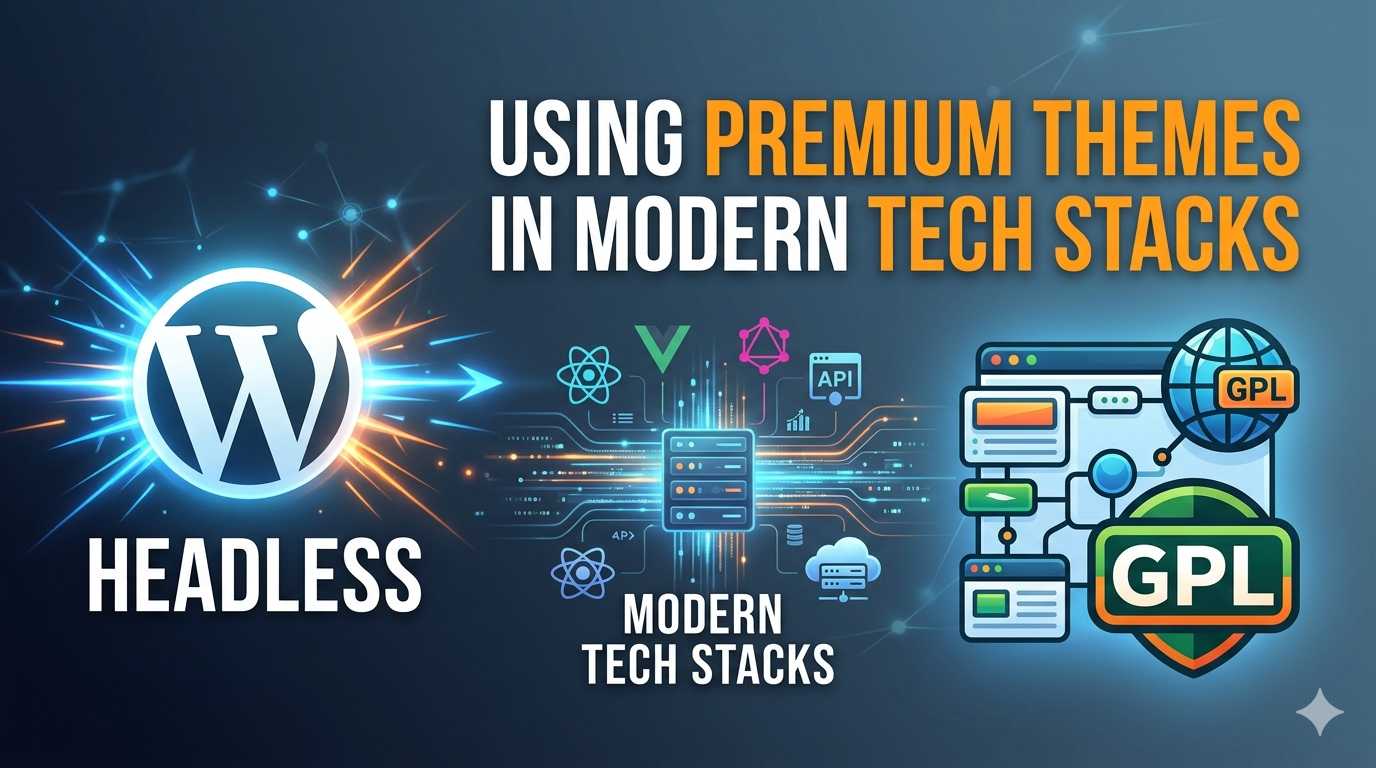
 There’s a moment every developer hits when they’re building a headless WordPress project: they’ve got their Next.js frontend humming, the REST API or WPGraphQL endpoint is connected, and then someone on the team asks — “Can we just use that premium Divi child theme the client already paid for?”
The room goes quiet. Nobody actually knows the answer.
This post is here to clear that confusion — practically and legally — because headless WordPress is exploding in adoption, GPL licensing is wildly misunderstood, and the intersection of both is where some genuinely useful architecture decisions live.
What Is Headless WordPress, Actually?
Let’s get the foundation right.
Traditional WordPress is monolithic: PHP renders templates on the server, themes control both data and presentation, and the browser just receives HTML. Headless WordPress splits this into two distinct layers:
- Backend: WordPress continues to manage content, users, media, and plugins — but it outputs data (JSON or GraphQL) instead of rendered HTML.
- Frontend: A JavaScript framework — Next.js, Nuxt, Astro, SvelteKit, or even a mobile app — consumes that data and builds the actual user interface independently.
The WordPress backend still runs. It still has a theme active. But that theme is essentially invisible to end users — it’s just keeping the WP-Admin functional. The real visual experience lives entirely in your frontend framework.
This architecture unlocks serious performance advantages. You get static site generation (SSG) or incremental static regeneration (ISR) at the frontend level, global CDN deployment, React component reusability, and the ability to serve your content across multiple surfaces (web, app, kiosk) from a single CMS.
The GPL Question Nobody Reads the Answer To
WordPress core is licensed under GPL v2 (or later). This is not a minor implementation detail — it’s the legal and philosophical backbone of the entire ecosystem.
The GPL (GNU General Public License) requires that any software that is a derivative work of GPL code must also be distributed under the GPL. WordPress has officially interpreted this to mean that themes and plugins — because they are built on WordPress hooks, functions, and architecture — are considered derivative works and must therefore be GPL-licensed.
Here’s what this means for premium themes:
Premium theme companies like Divi, GeneratePress, Flatsome, Avada, and others can charge for their software. That’s legal. But the code itself must be GPL. They monetize through support, updates, licenses, and premium add-ons — not by restricting the code. When you purchase a theme, you are buying a license key for support and update access, not purchasing exclusive rights to the code.
This means:
- You can legally use a premium GPL theme in a headless setup without restriction.
- You can modify it, fork it, or use it as a starting point for a custom theme.
- If someone gives you a GPL theme (even without a license key), the code use is legal — though you won’t receive updates or support without your own license.
The nuance matters: nulled themes (pirated, stripped of license checks) aren’t illegal because of GPL — they’re problematic because they often contain injected malware, and you lose access to security patches. Stick to properly sourced themes.
What Role Does the WordPress Theme Actually Play in Headless?
This is where most developers get confused.
In a headless setup, WordPress still needs an active theme to function. WP-Admin breaks without one. But the theme doesn’t need to be a full frontend theme — it just needs to exist.
Common strategies:
1. Use a Headless-Specific Blank Theme
Themes like Faust.js’s default theme, Sprig, or even a barebones custom theme with no frontend output keep WordPress happy while adding zero overhead.
2. Keep the Premium Theme Active (But Hidden)
If a client already has Divi or Elementor-based content, keeping the premium theme active on the WordPress side means:
- Editors still have access to familiar page builders for structured content entry
- You can use the Divi API or Elementor REST data in your frontend rendering logic
- No disruption to the client’s existing workflow
This hybrid model is underrated. Your Next.js frontend fetches the content, and the WordPress backend with the premium theme handles content creation UX.
3. Use the Theme for Block Patterns Only
With the Gutenberg block editor, you can use a premium theme’s block patterns and templates purely as a content entry interface — the visual output of those blocks is irrelevant, because your frontend interprets the block JSON through the Block Data API and renders it in your own components.
Practical GPL Considerations for Agencies
If you’re an agency building headless WordPress sites for clients, here’s your working framework:
Client purchased a theme license? You can use it across their WordPress install without restriction. GPL means the code is free; license keys control support access.
You want to use one premium theme across multiple client projects? Technically, GPL permits this — the code can be shared. However, check each theme’s terms of service. Some premium theme companies add contractual restrictions in their ToS on top of the GPL (known as “split licensing” or “non-GPL add-ons”). Their PHP/CSS is GPL; their JavaScript and images may not be. Always read the split.
Building a white-label product? You can fork a GPL theme and redistribute it under your own brand — as long as your fork is also GPL. This is how many agency frameworks are born.
New project launch checklist: Before going live with a headless build, don’t forget technical SEO fundamentals. Your decoupled frontend won’t automatically inherit WordPress’s sitemap. You’ll need to generate and submit an XML sitemap for your new domain separately — using something like a dedicated sitemap generator ensures Google can properly crawl your frontend URL structure, not just the WordPress backend.
The Real Advantage: GPL Themes as Component Libraries
Here’s the sigma insight most developers miss entirely.
A premium GPL theme like GeneratePress or Kadence isn’t just a design skin — it’s years of battle-tested CSS architecture, accessibility patterns, typography systems, and layout logic. In a headless context, you can:
- Port the design tokens (colors, spacing, typography scale) into your Tailwind config or CSS custom properties
- Reference block patterns as design spec for your React components
- Use the theme’s demo content as content modeling guidance for your GraphQL schema design
- Borrow the theme’s breakpoints and grid system into your own CSS modules
You’re not using the PHP — you’re using the theme as a design system reference that you happen to own legally. That’s tremendous value sitting unlocked in your client’s theme license.
Stack Recommendations for 2025 Headless WordPress Projects
For teams starting fresh, here’s what’s working in production right now:
CMS Layer: WordPress + WPGraphQL + WPGraphQL for ACF (if using Advanced Custom Fields for structured data)
Frontend Framework: Next.js 14+ with App Router — ISR gives you the best balance of build performance and content freshness for editorial sites
Deployment: Vercel or Netlify for the frontend, managed WordPress hosting (Kinsta, WP Engine, GridPane) for the backend — keep them on separate infrastructure
Authentication: If you’re building member areas, use WordPress as the auth source via JWT tokens passed through your Next.js middleware
Media: Cloudinary or Bunny.net for image CDN — don’t serve media from your WordPress host to your frontend
Theme on WordPress side: A minimal headless theme or a maintained premium GPL theme with a lightweight mode (GeneratePress has an excellent “headless mode” that strips frontend output)
When you’re naming a new client project or internal tool in this stack — especially if you’re spinning up a branded developer portal or SaaS layer on top — running candidate names through a business name generator early saves painful rebrand conversations six months later. Brand identity decisions compound fast once domains and repos are committed.
What About Security and Updates?
One real concern with headless setups: your WordPress backend is still a live web application, even if users never visit it directly. It needs:
- Regular core, theme, and plugin updates
- XML-RPC disabled if not in use
- A non-default admin URL
- Strong application passwords for REST API authentication
- Firewall rules blocking direct access to
/wp-adminfrom public IPs (only your team’s IPs + API access from your frontend’s server)
Premium GPL themes from reputable vendors (Elegant Themes, Brainstorm Force, etc.) issue security patches as part of their update cycle. Maintaining a valid license key ensures your site gets those patches. A nulled theme won’t.
Final Take
Headless WordPress and GPL licensing aren’t in conflict — they’re actually aligned. GPL gives you maximum flexibility to use, fork, modify, and deploy premium themes in any architecture you choose. The headless pattern gives those themes a new life as content architecture tools and design system references rather than monolithic frontends.
The developers winning with this stack are the ones who stop treating the WordPress backend as a constraint and start treating it as the world’s most mature content management layer — plugged into a modern, performant frontend they actually control.
Buy the premium theme license for the support. Use the GPL rights to build something new.